The Best Unblocked Games for School Chromebooks (2026)
The best games for a school Chromebook are the ones that load in seconds, run smoothly on low-power hardware, and close without losing anything: Slope, Run 3, Paper.io 2, 2048, Subway Surfers, Geometry Dash, Snow Rider, Basketball Stars, Cookie Clicker and the Chrome dinosaur game top the list. All twenty below run in the browser with nothing to install.
Updated
How the list was ranked
Three things matter on a school Chromebook that don't matter on a gaming PC. Load time, because a break is ten minutes. Performance on weak hardware, because most school Chromebooks are the cheapest model the district could buy, with a low-power processor and shared graphics. And how fast it closes — a game you can abandon mid-run with no penalty beats one with an unsaved season. Every game below was judged on those three, then on whether it is actually fun.
The top ten, and why
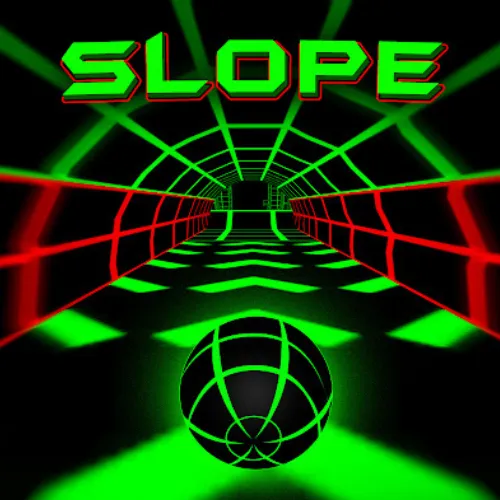
- Slope — the reference school game. Instant load, two keys, pure reflex.
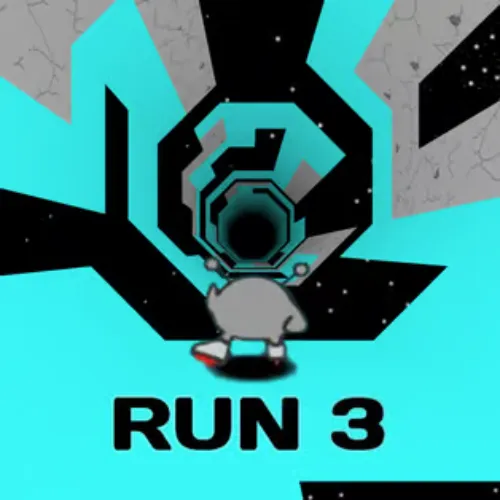
- Run 3 — the tunnel platformer; hundreds of short levels, saves your place.
- Paper.io 2 — live multiplayer territory grabbing; a round is a minute.
- 2048 — the puzzle you can play with one hand while looking attentive.
- Subway Surfers — the mobile runner in the browser; arrow keys instead of swipes.
- Geometry Dash — one button, rhythm timing, infinite retries.
- Snow Rider — sled down an endless mountain; the newest game on the list and already a staple.
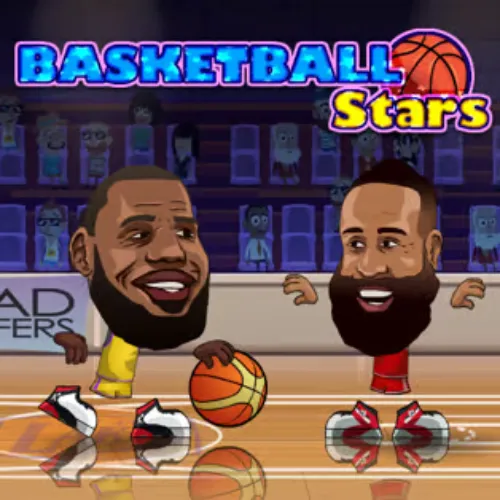
- Basketball Stars — two players, one keyboard.
- Cookie Clicker — leave it in a background tab and check on your bakery at lunch.
- The Chrome dinosaur game — it is on every Chromebook already, unless your school turned it off; the version here works regardless.
Eleven to twenty
Moto X3M and Happy Wheels for physics chaos; Flappy Bird and Tiny Fishing for one-tap simplicity; Pac-Man and Google Snake for the classics; BitLife for a text game that looks like reading; 1v1.LOL and Shell Shockers for shooters that run acceptably on a Chromebook; and Minecraft and Drift Hunters last only because they take longest to load — once running they are two of the best games on the site.
Making them run better
- Close other tabs before opening a 3D game.
- Use the Fullscreen button under the game; the browser stops drawing the page around it.
- Lower the in-game quality setting in Drift Hunters and Minecraft.
- Plug in — several Chromebook models slow down on battery.
The Chromebook page has the full tuning guide, and unblocked games for school covers the rules that keep your device privileges intact.
Frequently asked questions
What is the best game to play on a school Chromebook?
Slope, for most people: it loads instantly, runs at full speed on any Chromebook, uses only the arrow keys, and a run lasts a minute or two. If you want something you can leave running, Cookie Clicker; if you want to play the person next to you, Basketball Stars.
Do these games need the Play Store?
No. They are browser games and run in Chrome, which every Chromebook has. Nothing is installed.
Why isn't Retro Bowl on the list?
Because this site does not host a legitimate embed of it. The list only includes games you can actually play here, rather than names that rank well.
Will these load on my school's network?
Only your network can answer that — filters differ by school and change over time. The games themselves need nothing but a browser, which is the most any site can promise.