Offline Games: What Actually Works With No Internet
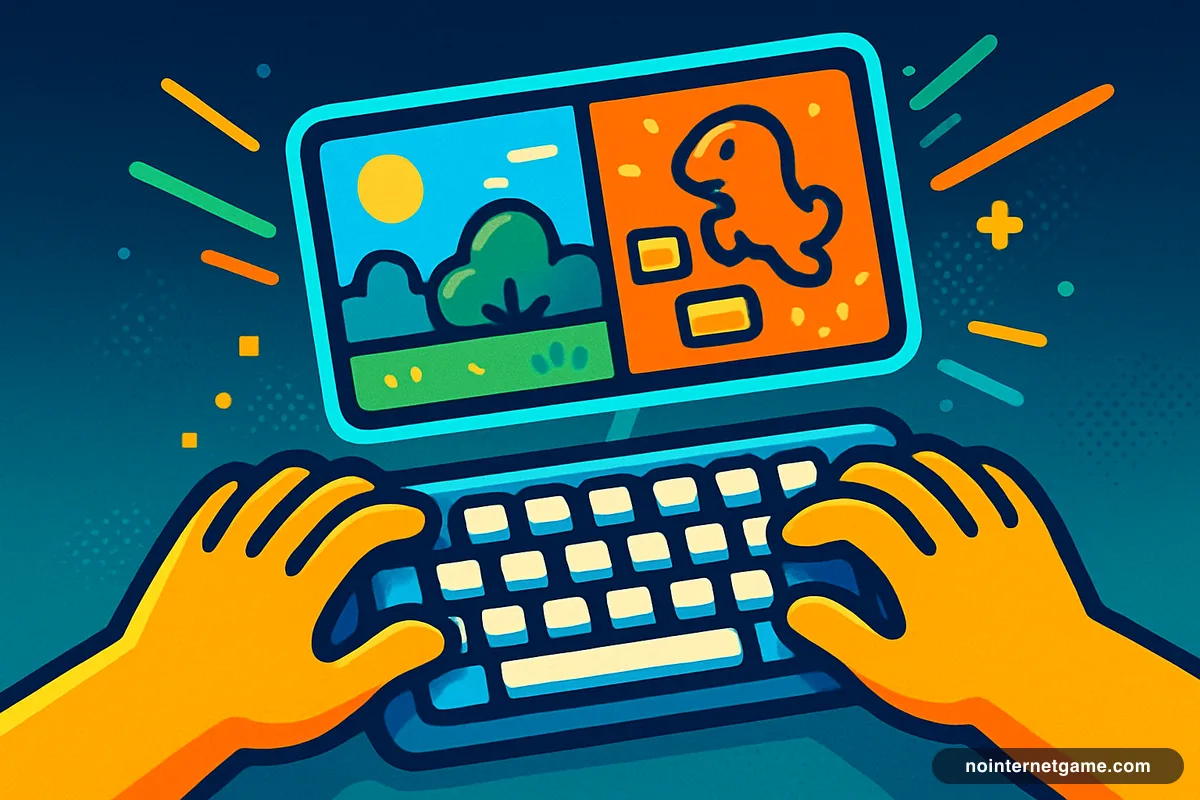
A browser game works offline if its files are already cached on your device. The Chrome dinosaur game is the clearest example — it is built into Chrome and appears precisely when the connection drops. Most other browser games need the internet once, to load, and then run entirely on your own machine, so they keep working if the connection dies mid-game but cannot be started without it.
Updated
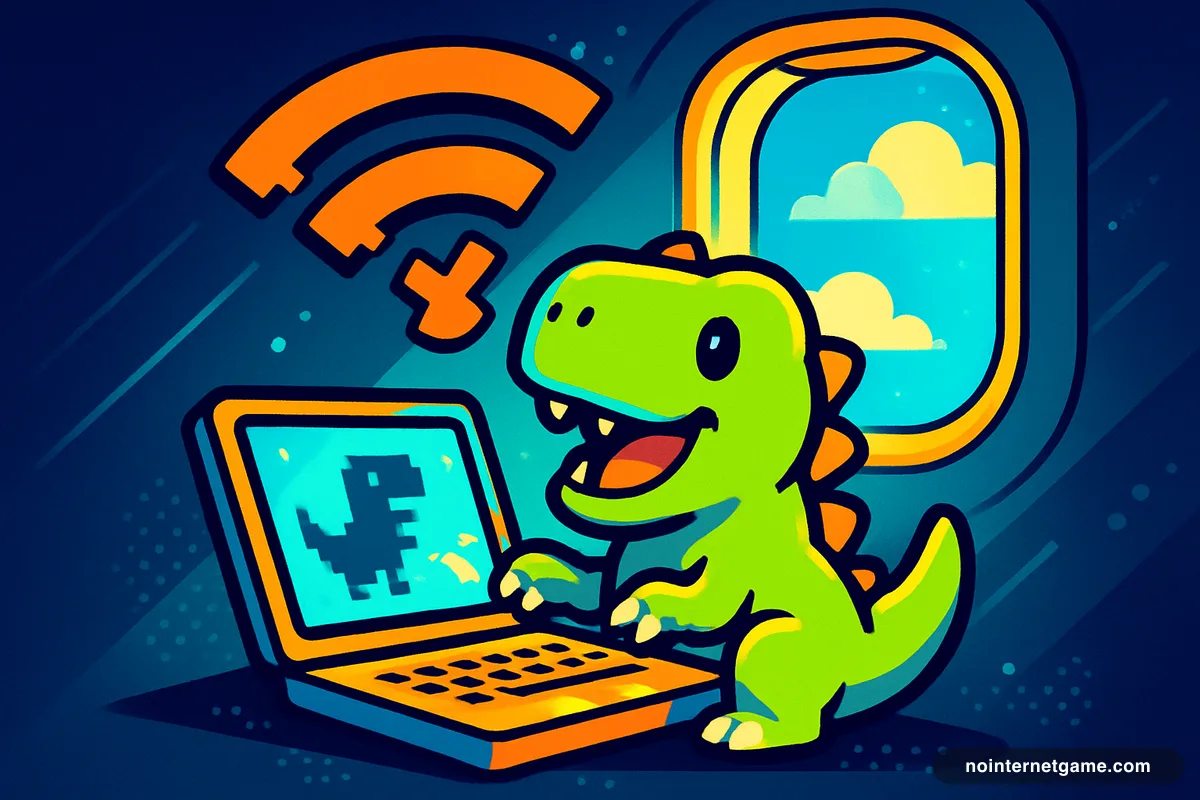
"Offline game" gets used for two different things, and the difference matters the moment you actually have no signal. One means a game that is already stored on your device and needs nothing from the network. The other — much more common — means a game that downloads once and then runs on your own machine without talking to a server again.
The first kind you can start on a plane. The second kind you cannot, unless you opened it before you took off.
The genuinely offline one
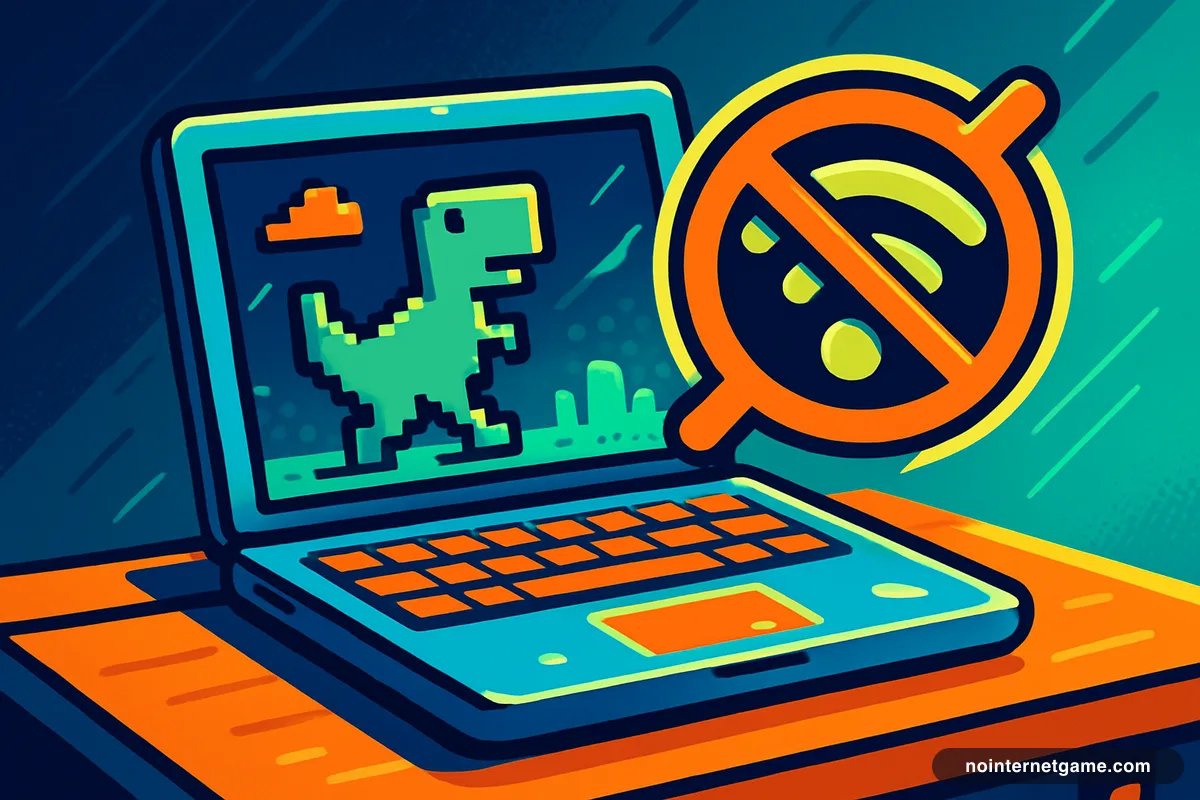
The Chrome dinosaur game is the honest answer. It ships inside Chrome itself, which is why it appears the instant a page fails to load. There is no download and no server — the whole game is a file already sitting on your computer. It works on a plane, in a tunnel, and on a disconnected school laptop.
This site precaches it too, using a service worker, so the home page will run the runner even with the connection gone. That is the entire reason the site is called what it is.
The load-once kind, which is most of them
Nearly every game in the catalog is self-contained JavaScript. Once the page has loaded, the game is running on your processor, not on a server somewhere. Pull the network cable mid-run and 2048 or Minesweeper will not notice.
What breaks is starting a new one, because that needs a page load. So the practical move is to open the tab while you still have signal and leave it open. A game already on screen keeps working; a bookmark does not.
What never works offline
- Anything multiplayer. .io games, shooters and card games against real people all need a live server by definition.
- Leaderboards and saved progress. The game may run, but the score has nowhere to go.
- Ad-supported loading screens. Some games wait on an ad that will never arrive.
The best genres for a dead connection
Single-player puzzles are the strongest category, because they are small, they load fast, and losing the network costs you nothing. Card games are next — solitaire in particular has no opponent to disconnect from. Then the endless runners and arcade classics, which are short by design.
If you want more specific lists: offline puzzle games, offline solitaire, and offline games on a Chromebook.
Frequently asked questions
What game can I play with no internet at all?
The Chrome dinosaur game. It is built into Chrome and is the only one guaranteed to work with no connection, because the game files already live on your device rather than on a server.
Do browser games work offline once they have loaded?
Usually yes. Most single-player browser games run entirely on your own machine after the page loads, so losing the connection mid-game does not stop them. You just cannot start a new one until you are back online.
How do I get a game ready for a flight?
Open it in a tab before you lose signal and leave the tab open. Do not close it or reload — a reload needs the network. The dinosaur game is the exception and will start from nothing.
Why do some games still fail even though I loaded them?
Because they are checking in with a server — for a leaderboard, an advert or a multiplayer lobby. Anything with an opponent or a saved high score needs a live connection regardless of how much has loaded.