Are Unblocked Games Safe?
The games are safe: a browser game runs inside the browser's sandbox and cannot install anything or read your files. The risk on some 'unblocked games' sites is everything around the game — downloads dressed up as games, fake 'update your player' pop-ups, browser-notification spam, and extensions or VPNs that promise to unblock things. A site that asks you to install anything is not a game site.
Updated
Why the game itself is safe
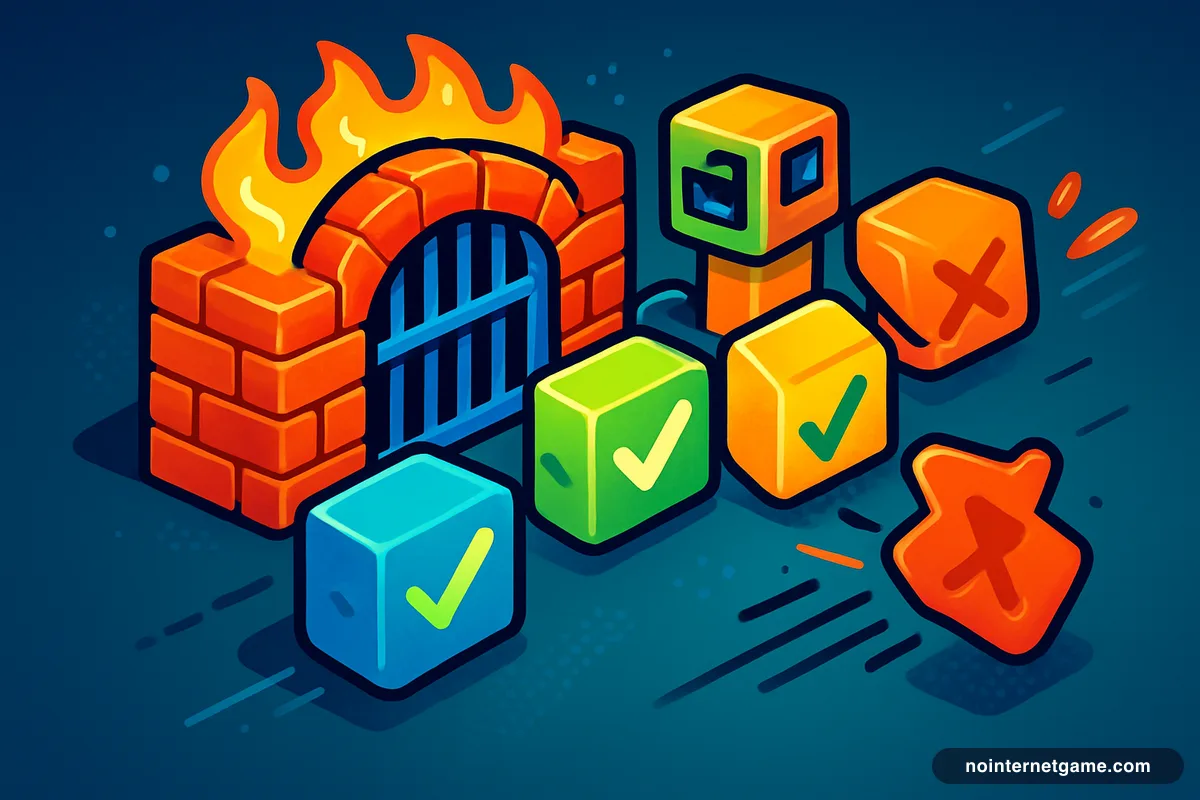
A browser game is a web page: HTML, JavaScript and a canvas, running inside the browser's sandbox. It cannot install software, read your files, or see other tabs. That is true of every embedded game on this site and every honest game site. Playing Slope cannot hurt your computer any more than reading this page can. The risks people associate with "unblocked games" come from the packaging some sites wrap around the games — and those are easy to spot.
The five warning signs
- A download to play. Browser games do not need one. A "Download" or "Install launcher" button on a game page is the whole problem in one word.
- "Update your Flash player" / "video player out of date". Always fake. Flash was discontinued in 2020, and no game needs a player update from a pop-up.
- A request to allow notifications. Games don't need it. It is a channel for ads that follow you after you close the tab. Block it.
- An extension that "unblocks" games. Extensions can read every page you visit. One recommended by a game site is a bad bet.
- A VPN prompt. Free VPNs pushed by game sites monetise your traffic at best. On a school device the install itself is the offence.
About the ads
Game sites are ad-supported, including this one. Standard ad networks (Google's, here) are vetted and run inside their own sandboxes; the problem ads are the ones served by low-quality networks on mirror sites — fake Play buttons, full-screen overlays, redirects. If an ad on a game site tries to look like the game, or opens a new site when you click Play, leave.
Multiplayer games and strangers
.io games and shooters put you in a lobby with real people, which is the fun, and also the one place a younger player needs a rule: no chat with strangers, no sharing names or schools, and no clicking links other players post. Most browser multiplayer games have no chat at all; the ones that do have a mute option.
A safe site, in one glance
- Install anything?
- Never
- Notification prompt?
- Never
- Update your player?
- Never — it's 2026
- Ads
- Recognisable network, not fake buttons
- Dead games
- Removed, not left to redirect somewhere
- Privacy policy
- Present and readable
That is the standard this site is built to. Nothing installs, nothing prompts, broken embeds are pulled from the catalogue, and the privacy policy is a page, not a mystery. The unblocked games hub has the catalogue; the mirror-sites explainer covers where most of the bad experiences come from.
Frequently asked questions
Can a browser game give you a virus?
Not by playing it. Browser games run inside the browser's sandbox and cannot write to your computer. A 'game' that makes you download a file to play is not a browser game, and that file is where the risk is.
Are unblocked games sites safe for kids?
Reputable ones are, with the usual rules: no downloads, no notifications, no chatting with strangers in multiplayer games. Mirror sites with aggressive ads and pop-ups are where kids run into trouble. Parents can check the site's behaviour in a minute: does it ask you to install or allow anything?
Why do unblocked game sites want to send notifications?
Because notification permission lets a site push ads to your desktop or phone for months after you leave, and low-quality sites are paid for that. There is no reason a game needs it. Click Block.
Is it safe to use a VPN to unblock games at school?
No, twice over. Free VPNs recommended by game sites are often malware or sell your traffic, and installing one on a school device or account violates almost every acceptable-use policy — that is what gets accounts suspended.