Offline Games on a Chromebook
A Chromebook with no Wi-Fi can always play the Chrome dinosaur game, because it is built into the browser itself. Beyond that, any browser game you already have open will keep running — browser games execute on your own device once loaded — but you cannot open a new one until you are back online.
Updated
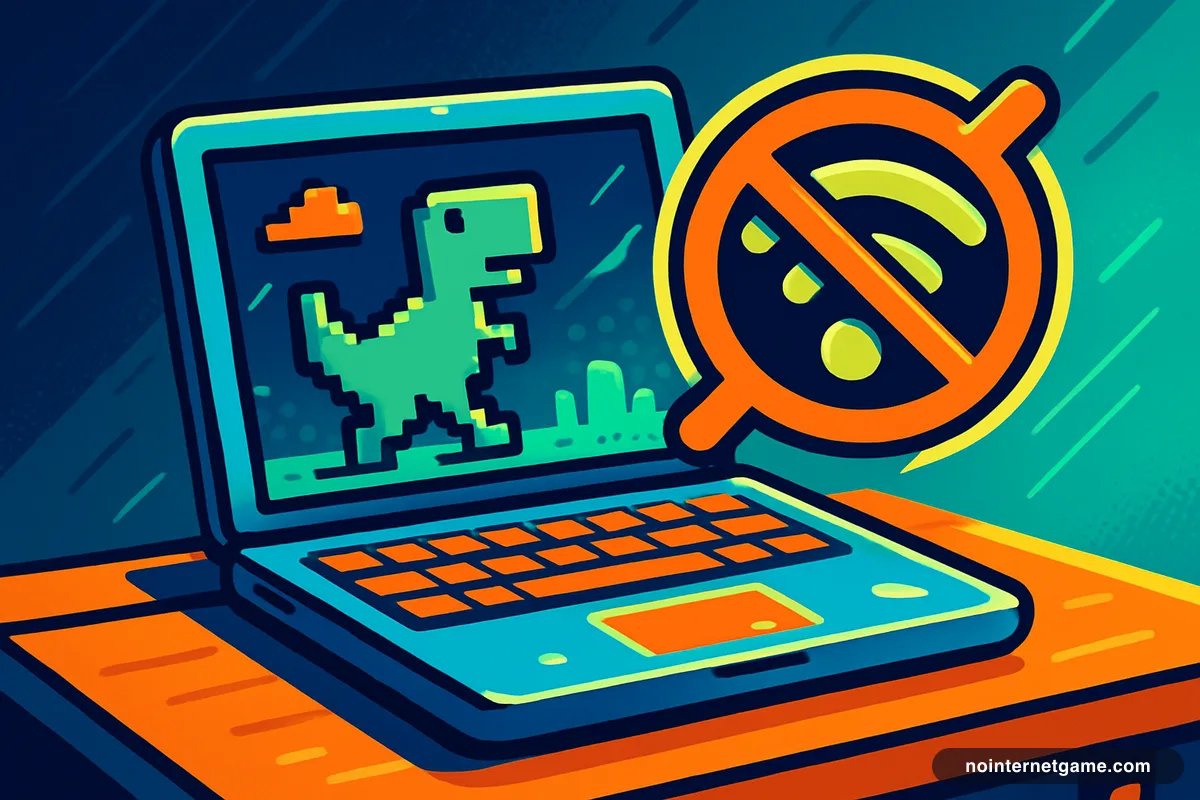
Chromebooks are more dependent on a connection than most laptops by design, which makes the offline question a real one. The good news is that the single best offline game is already installed.
The dinosaur game is always there
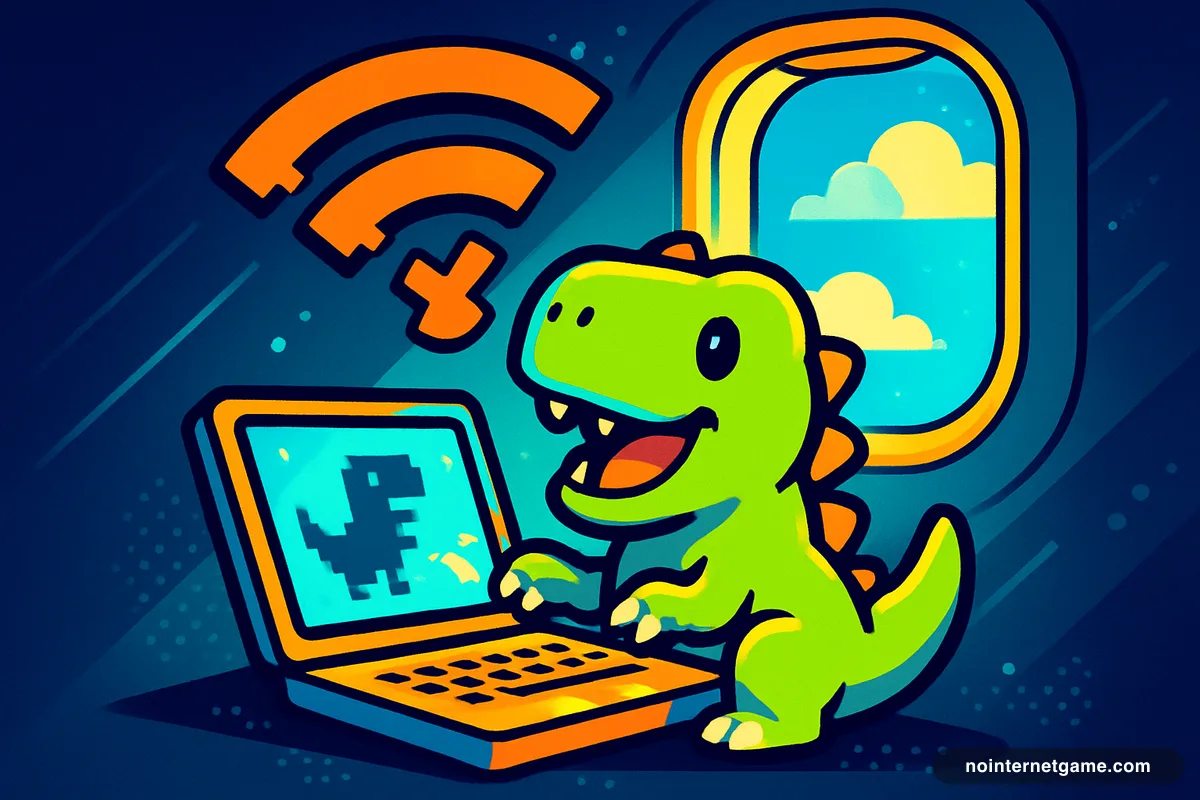
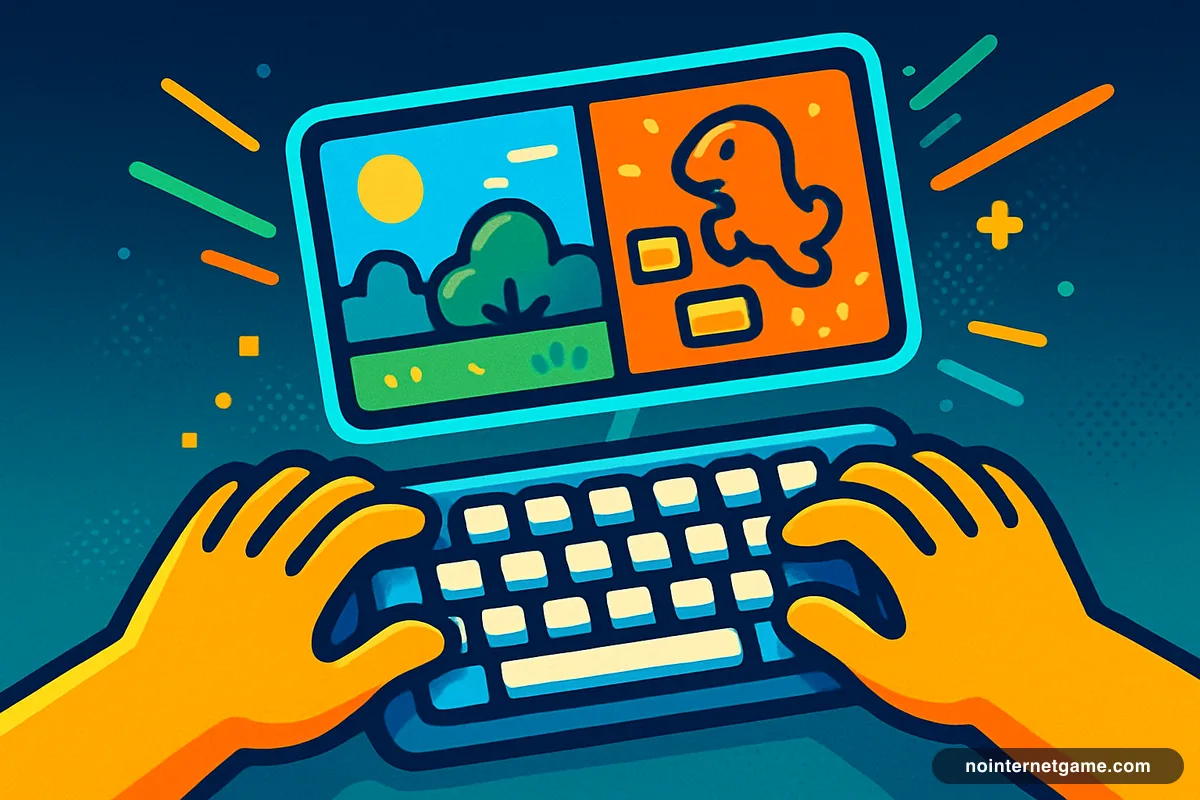
Press the spacebar on any "No internet" page and the Chrome dinosaur game starts. It is part of Chrome, so it needs nothing downloaded and no connection at all. On a Chromebook this is guaranteed to work, because Chromeis the operating system.
You do not even need to wait for the connection to fail — typing chrome://dino in the address bar opens it directly.
Preparing before the Wi-Fi goes
Browser games run on your Chromebook's own processor once the page has loaded. So the trick is simply to load them first.
- Open the games you want in separate tabs while you still have signal.
- Leave them open — do not reload, and do not close the tab.
- They will keep running when the connection drops.
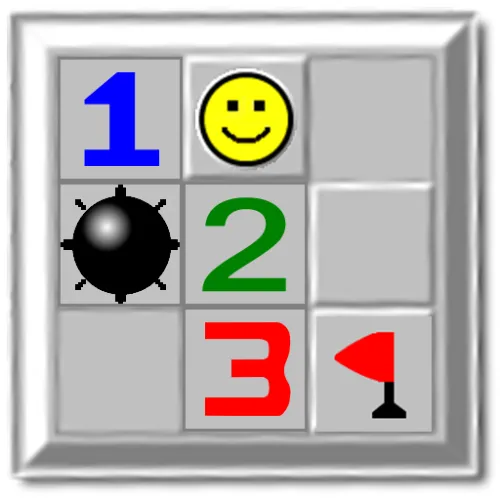
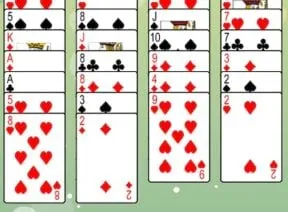
2048, Minesweeper, Klondike Solitaire and Text Twist all survive this comfortably.
What runs well on Chromebook hardware
Most school and budget Chromebooks are deliberately low-powered. That matters more than the offline question for what to pick:
- Excellent: 2D puzzles, card games, word games, arcade runners — they load in a second and never stutter.
- Fine: 2D platformers and physics games.
- Slow: 3D racing and shooters. Playable, but expect a lower frame rate and a longer load.
What will not work
Anything that needs a server: .io games, multiplayer shooters, and anything saving a score to a leaderboard. Some games also stall on an advert that cannot load.
If your problem is a blocked network rather than no network, that is a different issue — unblocked games on a Chromebook covers it.
Frequently asked questions
What games can I play on a Chromebook with no Wi-Fi?
The Chrome dinosaur game always works, because it is built into the browser — type chrome://dino to open it directly. Any other browser game you already had open will also keep running.
How do I get browser games ready before I lose connection?
Open each one in its own tab while you still have signal and leave the tabs open. Browser games run on your own device after loading, so they survive the connection dropping — but reloading needs the network.
Why do some games stop working offline on a Chromebook?
Because they are contacting a server — for multiplayer, a leaderboard or an advert. Anything with an opponent or a saved high score needs a live connection no matter how much has already loaded.