Games That Work Without Wi-Fi
The Chrome dinosaur game is the one browser game designed to work with no internet at all — it lives at chrome://dino and needs nothing from the network. This site installs the dinosaur game for offline play the first time you visit, and most single-player browser games keep running after they have loaded, even if the connection drops mid-game. Multiplayer games do not.
Updated
The one game built for no internet
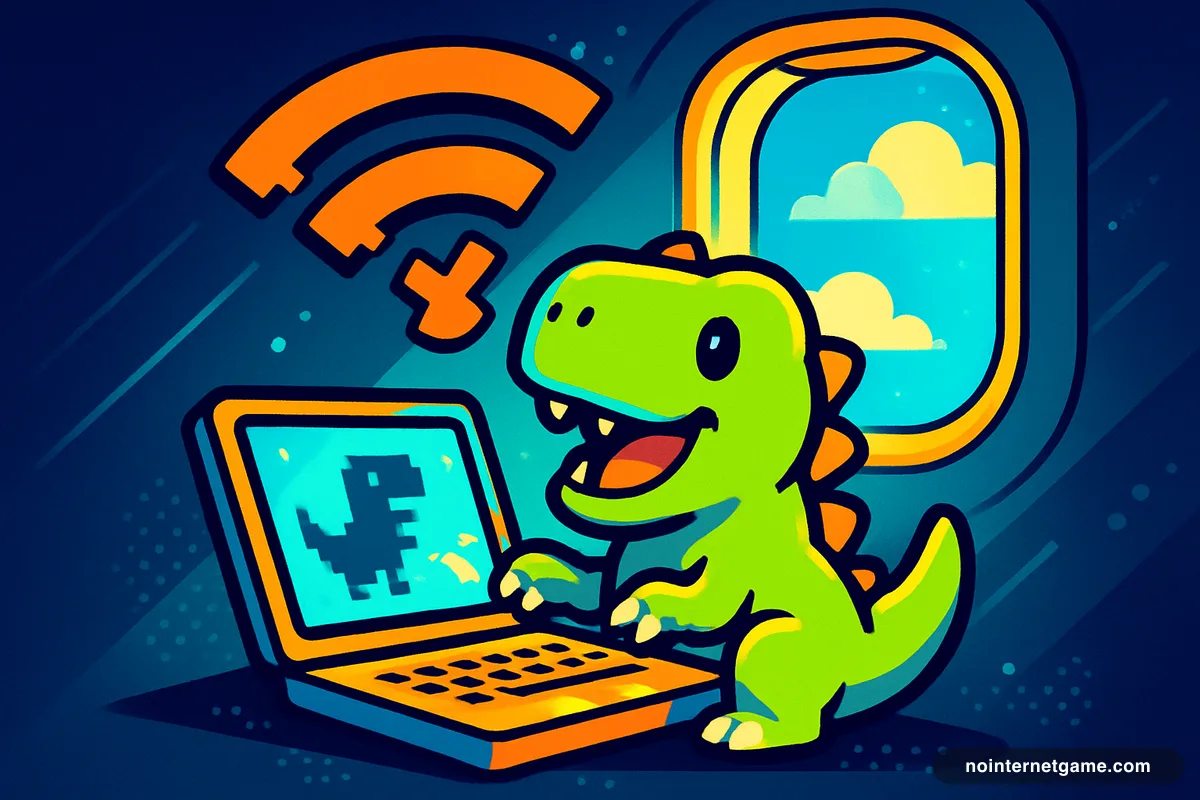
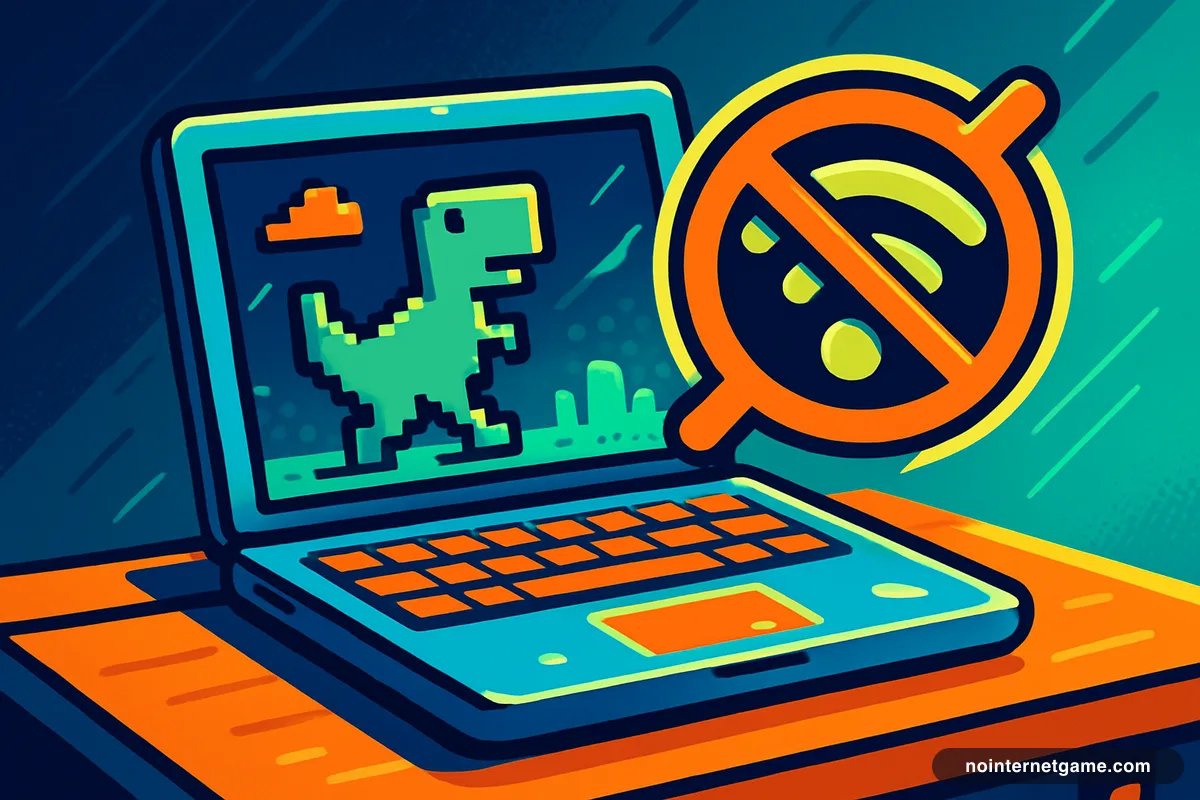
The Chrome dinosaur game exists because of a lost connection: it is the error page. Everything it needs — sprites, sounds, code — ships inside the browser, so it works on a plane, in a tunnel, or in a house whose router just died. Type chrome://dino in Chrome and it plays whether or not you are online. It is, by design, the answer to this article's title.
This site, offline
nointernetgame.com is named for that game, so it would be embarrassing if the site needed the internet. It mostly doesn't: the first time you visit, the site quietly installs the homepage and the complete dinosaur game for offline use. Lose your connection later, open the homepage, and the dinosaur is there — in Safari, Firefox and Edge as well as Chrome. The rest of the catalogue is embedded from other servers and does need a connection to start.
Games that survive a dropped connection
Most single-player browser games load everything they need up front and then run entirely on your device. If the Wi-Fi drops mid-game, they keep going; you just can't reload the page. That covers most of the site: runners like Slope and Run 3, puzzles like 2048 and Minesweeper, arcade classics like Pac-Man, idle games like Cookie Clicker. The exceptions are games that stream levels as you reach them or check a server for a leaderboard — those stall at the next fetch.
Games that never work offline
- .io and multiplayer games — Paper.io, Shell Shockers, 1v1.LOL. The other players are on the other end of the connection.
- Games with online saves or accounts.
- Anything you haven't opened yet. A page that isn't loaded can't load.
The airplane-mode test
Open the game, let it fully load, then switch on airplane mode and keep playing. If it carries on, it is an offline game for as long as you keep the tab open. If it freezes at the next level or shows an error, it needed the network. For the dinosaur game the answer is always yes, which is why, a decade on, it is still the game people reach for when the Wi-Fi goes.
Looking for the other hidden games your browser already has? See hidden browser games.
Frequently asked questions
What games can I play with no Wi-Fi?
In Chrome, the dinosaur game at chrome://dino works fully offline. On this site, the homepage and dinosaur game are installed for offline use after your first visit. Beyond that, any single-player browser game that has already loaded keeps running until you close or reload it.
How do I play the dinosaur game offline?
In Chrome, type chrome://dino into the address bar — it works with no connection. Or visit nointernetgame.com once while online; after that the homepage loads offline and the dinosaur plays.
Why does a game stop working when the Wi-Fi drops?
Because it was still fetching something — a level, a sound, a leaderboard, another player's moves. Games that load everything up front survive a dropped connection; games that stream content or talk to a server do not.
Does airplane mode work for the dinosaur game on a phone?
Yes. In Chrome on iPhone or Android, turn on airplane mode, open any web page, and tap the dinosaur on the error screen. The game runs entirely on the phone.