Unblocked Games for Chromebook
Every game on this site runs on a Chromebook, because a Chromebook is a browser: nothing to install, no Play Store, no admin rights. The only thing that varies is performance — 2D games run perfectly on any model, and 3D games run well once you close spare tabs and lower their in-game graphics setting.
Updated
Why browser games and Chromebooks fit
A Chromebook is built around the browser, and a browser game is built to need nothing else. That makes it the best possible device for this site: there is no install to be blocked, no Play Store to be disabled, no compatibility question. Open the page, press play. The only real variable is how fast the machine is.
Games that run perfectly on any Chromebook
Anything 2D. Runners, platformers, puzzles, arcade classics, idle games and .io games are light enough for the cheapest Chromebook ever sold:
- Slope, Subway Surfers, Geometry Dash, the dinosaur game
- Paper.io 2 and the .io games
- 2048, Pac-Man, Google Snake
- BitLife, Cookie Clicker
Making 3D games run well
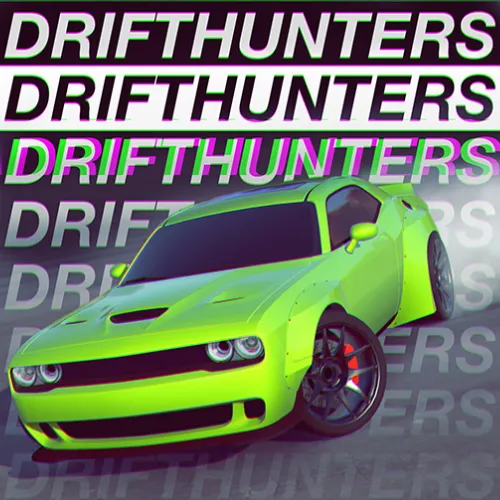
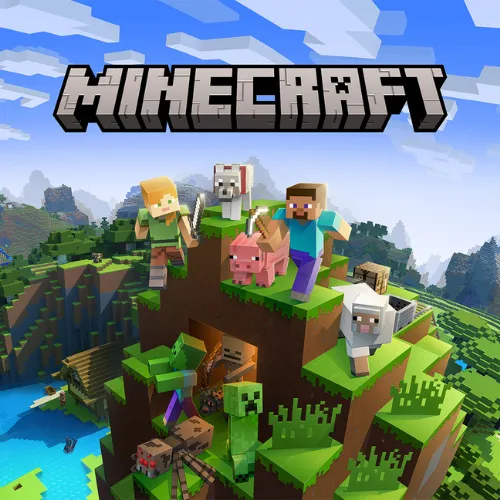
Drift Hunters, Minecraft, Shell Shockers and the other 3D titles run on a Chromebook, but on an older or entry-level model they need a little help:
- Close other tabs. Each open tab holds memory the game could use. This is the single biggest fix.
- Lower the in-game quality. Most 3D games have a graphics or quality option in their own menu; "low" usually doubles the frame rate with little visible change at Chromebook screen sizes.
- Go fullscreen. The browser stops rendering the page around the game.
- Plug in. Several Chromebook models throttle the processor on battery.
- Restart if it has been days. Chrome OS keeps a lot of state; a fresh start frees it.
Controls
- Keyboard
- Works in every game; arrow keys and WASD are the norm
- Touchpad
- Fine for casual and puzzle games; awkward for shooters
- Touchscreen
- Tap-to-play games work on touch models
- Mouse
- USB or Bluetooth, no setup — recommended for aiming
- Fullscreen
- Button under the game, or the fullscreen key (top row); Esc to exit
School Chromebooks
A school-issued Chromebook is the same hardware with policies on top: a web filter, disabled developer tools, sometimes a disabled dinosaur game. None of that changes how a browser game performs; it changes which sites load and when you should be playing. The school page covers that side.
Frequently asked questions
Can you play games on a Chromebook without the Play Store?
Yes — browser games need nothing but Chrome, which every Chromebook has. Open the game's page and it runs. The Play Store and Linux apps are only needed for installed games, which is exactly what browser games avoid.
Why is a 3D game lagging on my Chromebook?
Most Chromebooks have a low-power processor and shared graphics. Close other tabs, plug in the charger (some models throttle on battery), and lower the game's own graphics or quality setting. Fullscreen also helps because the browser stops drawing the rest of the page.
How do I go fullscreen on a Chromebook?
Use the Fullscreen button under the game on this site, or press the fullscreen key (the rectangle icon on the top row, F4 on most models) to fullscreen the browser. Esc or the same key exits.
Do games save on a Chromebook?
Games that save use the browser's local storage, so progress stays on that Chromebook in that browser profile. On a school-managed device, a policy that clears browsing data at sign-out will also clear saves.
Which controls work on a Chromebook?
Keyboard and touchpad in every game; touchscreen on touch-enabled models for tap-to-play games. A USB or Bluetooth mouse plugs in with no setup and is worth it for shooters.