Why the Dinosaur Game Is Blocked at School — and How to Play Anyway
If chrome://dino shows "the owner of this device turned off the dinosaur game", your school or workplace manages the device and has disabled the easter egg through a Chrome policy called AllowDinosaurEasterEgg. That policy only affects Chrome's built-in copy — the dinosaur game on this site is a normal web page and runs in any browser.
Updated
The message and where it comes from
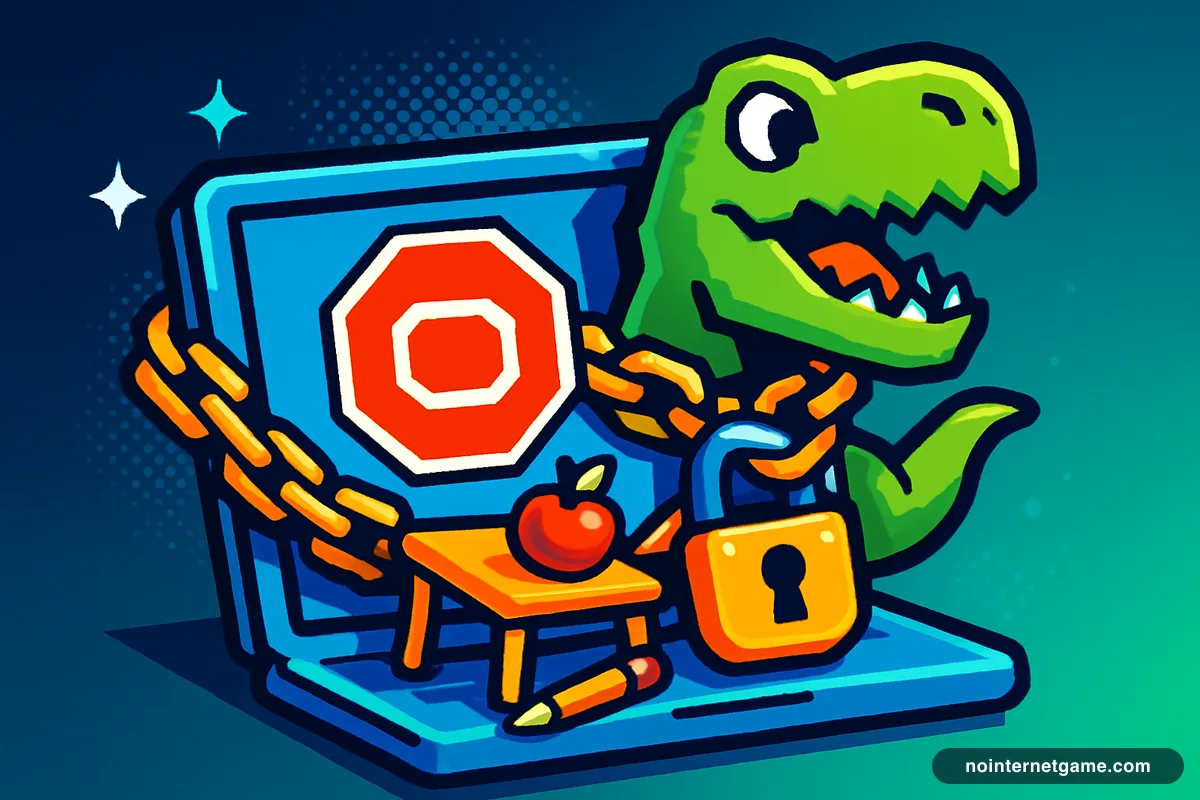
Type chrome://dino on a school Chromebook and instead of the runner you may see a single sentence: "The owner of this device turned off the dinosaur game." It is not a bug and it is not your network. Chrome for organisations ships hundreds of settings that an administrator can lock from the Google Admin console, and one of them — AllowDinosaurEasterEgg — controls the game. When it is set to false, Chrome replaces the game with that message on every device the policy is pushed to.
- Policy name
AllowDinosaurEasterEgg- Set by
- Your organisation's Google Admin console
- Applies to
- Managed Chromebooks and managed Chrome profiles
- User override
- None
- Affects websites?
- No — only chrome://dino and the offline error page
Why schools switch it off
The dinosaur game is played hundreds of millions of times a month, and unlike other games it needs no website: it is inside the browser on every Chromebook, one keystroke from any error page. Districts that manage devices for classroom focus — restricting extensions, developer tools and unapproved sites — usually disable the easter egg in the same policy pass. It is a blanket setting, applied to whole organisational units, which is why it appears even on machines where nobody has ever played it.
What you can and can't do
- You can't re-enable it. There is no flag, setting or extension that overrides a managed policy; it is enforced server-side and re-applied on every sync.
- Signing into a different account won't help on a managed device. Device-level policies apply regardless of who is logged in.
- Guest mode is usually disabled too on the same devices, for the same reason.
- The web version still works. The policy governs Chrome's internal page, not websites. The dinosaur game on this site is the same runner in a normal page, in any browser.
The web filter is a separate question
Whether any given site loads at school is decided by the network's content filter, not by Chrome policy. Game sites are commonly on block lists; some are not; lists change. If this page loads on your school network, the game plays normally. If it doesn't, that is the filter — and it is your school's decision to make. Our guide to how school web filters work explains what those systems actually check, and unblocked games for school covers the etiquette: breaks and free periods, not lessons.
For administrators
The setting lives under Devices → Chrome → Settings → Users & browsers in the Admin console, as "Dinosaur game" (policy AllowDinosaurEasterEgg). It can be enabled for some organisational units and disabled for others — a common compromise is allowing it for staff and disabling it for student units.
Frequently asked questions
What does "the owner of this device turned off the dinosaur game" mean?
It means the Chromebook or Chrome profile you are using is managed by an organisation — usually a school district — and the administrator has disabled the dinosaur easter egg with the AllowDinosaurEasterEgg policy. Chrome shows that sentence in place of the game.
Can I turn the dinosaur game back on?
Not on a managed device. The setting is pushed from the organisation's Google Admin console and locked; there is no menu or flag a user can change. It re-applies every time Chrome checks in with the management server.
Why do schools block the dinosaur game?
Because it is one of the most-played games on Earth and it is built into the browser every student uses. Districts that lock down Chromebooks for classroom focus typically turn off the easter egg at the same time they restrict extensions and unapproved sites.
Is the web version of the dinosaur game blocked too?
The Chrome policy does not affect websites. Whether this site loads at school depends on your network's web filter, which is a different system. If it loads, the game plays exactly as it does anywhere else.
Does chrome://dino work on a personal Chromebook?
Yes. The policy only exists on managed devices and managed accounts. On a personal Chromebook signed into a personal Google account, chrome://dino works normally.