How to Play the Dinosaur Game
Press space (or tap) to start, space or ↑ to jump, ↓ to duck. To play without turning off your Wi-Fi, use the game on this site in any browser, or type chrome://dino into Chrome's address bar — no connection change needed.
Updated
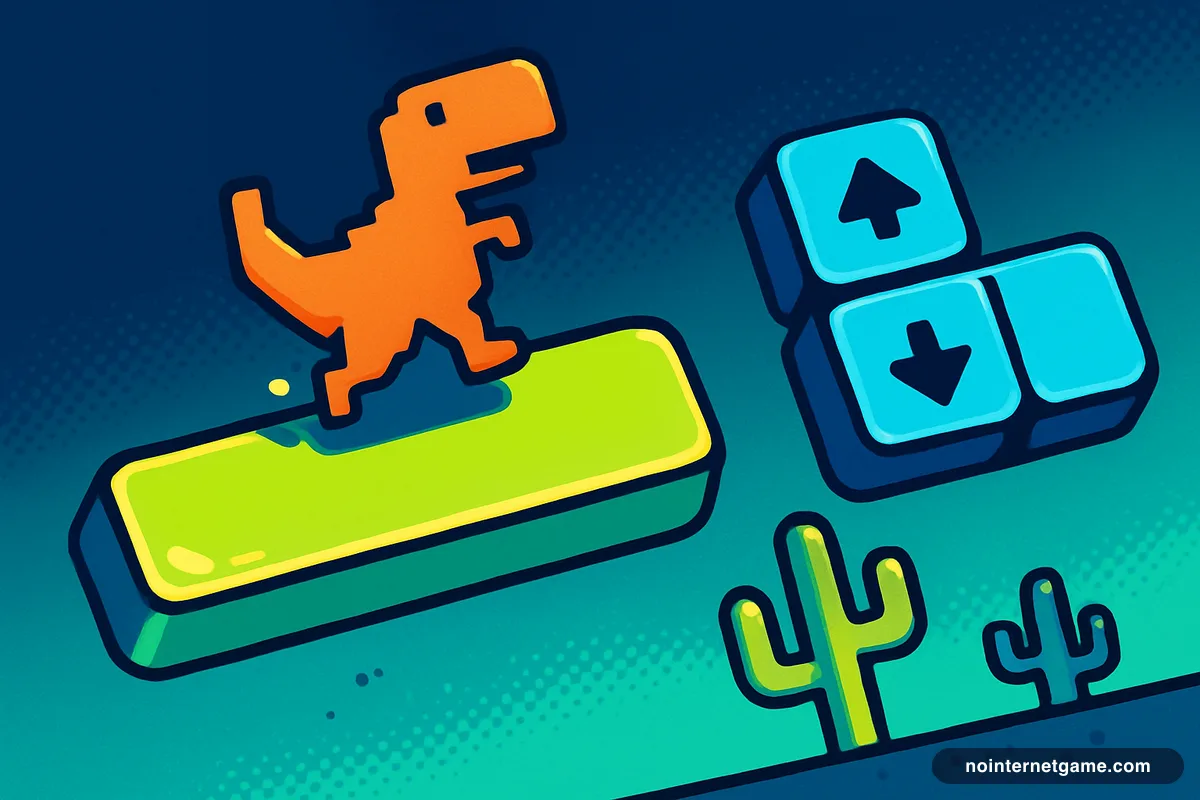
Every control
- Start / restart
- Space, ↑, or a tap
- Jump
- Space or ↑ (tap for low, hold for high)
- Duck
- Hold ↓
- Fast-fall
- Press ↓ while airborne
- Pause
- Switch tabs — the game pauses when hidden
- Touch
- Tap to jump (no duck)
Two details make most of the difference. First, jump height depends on how long you hold the key: a tap clears a single cactus with the least time in the air; a hold is for triple-cactus clusters. Second, ↓ in mid-air is a fast-fall — it cancels the float and drops you straight down, which lets you land short of an obstacle you jumped too early for. Players who never learn it plateau around 1,000 points.
Reading the obstacles
- Single small cactus — tap.
- Large cactus or a pair — a slightly longer press.
- Triple cluster — hold. These appear more often as the speed climbs.
- Low pterodactyl — jump.
- Mid pterodactyl — jump early or duck; never jump late.
- High pterodactyl — duck, or simply keep running; it passes over a standing T-Rex.
Pterodactyls only start once the speed passes 8.5, around 450 points, so the first minute is cacti only. The full breakdown of speed, scoring and night mode is on the dinosaur game page.
Opening Chrome's built-in dino
Type chrome://dino in the address bar. Chrome shows the offline page and the game runs with your connection untouched. This also works on Chromebooks and in other Chromium browsers (Brave, Opera, Vivaldi; Edge uses edge://dino). If instead you see "the owner of this device turned off the dinosaur game", the machine is managed and the easter egg has been disabled — see blocked at school. The web version above still works.
The DevTools method
Some people want the real error page rather than the chrome://dino shortcut. Press F12, open the Network tab, and change the throttling dropdown (it says "No throttling") to Offline. Reload any page and Chrome believes it is disconnected — dinosaur included. Switch the dropdown back afterwards or every site will look broken.
On a phone
On iPhone or Android, this page works in Safari, Chrome and any other browser: tap to start, tap to jump. There is no duck on touch, so high pterodactyls are passed by doing nothing and mid ones by jumping early. In mobile Chrome you can also switch on airplane mode, load any page, and tap the dinosaur on the error screen.
Once you have the controls down, the world record page explains how far a flawless run can go, and night mode lets you practise the part of the game that ends most runs.
How to play the dinosaur game without turning off Wi-Fi
- 1
Play it here, in any browser
Open nointernetgame.com/dinosaur-game and press space or tap the game. It is the real Chrome runner in a normal web page, so it works in Chrome, Safari, Firefox and Edge, on any device, while you stay online.
- 2
Or type chrome://dino in Chrome
In Google Chrome, click the address bar, type chrome://dino and press Enter. Chrome opens the offline page with the dinosaur, connection intact. Press space to start.
- 3
Or force offline mode in DevTools
In Chrome press F12 (or Ctrl+Shift+I / Cmd+Option+I), open the Network tab, change the throttling dropdown from "No throttling" to "Offline", then reload any page. The dinosaur error page appears; press space to play. Set the dropdown back when you are done.
Frequently asked questions
How do you jump in the dinosaur game?
Press the space bar or the up arrow. A quick tap gives a low, fast jump; holding the key gives the highest jump. On a phone, tap the screen.
How do you duck in the dinosaur game?
Hold the down arrow. The T-Rex crouches until you release it, which is how you pass a high-flying pterodactyl. Pressing down while in the air makes the dinosaur drop to the ground faster.
Can I play the dinosaur game on iPhone or Android?
Yes. This page works in any mobile browser — tap to start and tap to jump. Chrome on mobile also has the game: turn on airplane mode, open a page, and tap the dinosaur.
Does the dinosaur game work in Edge, Firefox or Safari?
Chrome's built-in copy only exists in Chrome (and other Chromium browsers, at chrome://dino or edge://dino). Microsoft Edge's own hidden game is Surf, at edge://surf. This page runs the dino game in every modern browser, including Safari and Firefox.
Why is nothing happening when I press space?
The game only reads the keyboard when it has focus. Click or tap the game once, then press space. On this site the space bar is handed to the game automatically while it is on screen.