Play Madness Driver Vertigo City Online Free
More Games to Play


About Madness Driver Vertigo City
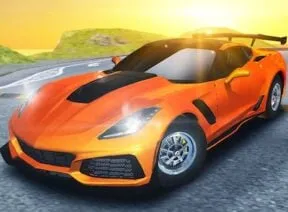
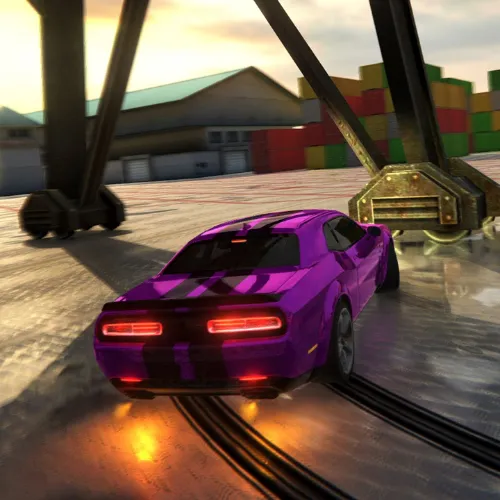
Madness Driver Vertigo City is an open-city driving playground: supercars, ramps to fly off, gems to collect, and races and free-drive activities scattered across the map.
It supports two players on one keyboard, which turns the free-drive mode into something considerably more entertaining than driving alone.
How to play Madness Driver Vertigo City
- Player 1 drive
- W A S D or arrow keys in 1P
- Player 1 nitro
- Left shift
- Player 1 restart / look back
- R / T
- Player 2 drive
- Arrow keys
- Player 2 nitro
- Right shift
- Player 2 restart / look back
- O / P
- Pick a supercar and customise it.
- Drive the open city, hitting ramps and collecting gems.
- Take on races and amusement-park activities.
- Play solo or split the keyboard for two players.
Madness Driver Vertigo City tips
- Hit ramps square on; an angled approach spins the car mid-air.
- Save nitro for the straight before a jump, not the jump itself.
- Gems double your rewards — collect them on the way to an activity, not as a detour.
- In two-player, agree on a race route or you'll spend it colliding.
Madness Driver Vertigo City — questions
Can two people play?
Yes — on one keyboard, with Player 1 on W A S D and left shift, Player 2 on the arrows and right shift.
Can you customise the cars?
Yes — the supercar simulator includes custom designs alongside the racing and free-drive modes.
Does it work on a Chromebook?
Yes, though it's a 3D game — close other tabs on older hardware.
- Categories
- Racing & Driving, Strategy & Simulation
- Platform
- Web browser — desktop, mobile, and Chromebook
- Cost
- Free, no download or sign-up