Play Draw Climber Online Free
More Games to Play







About Draw Climber
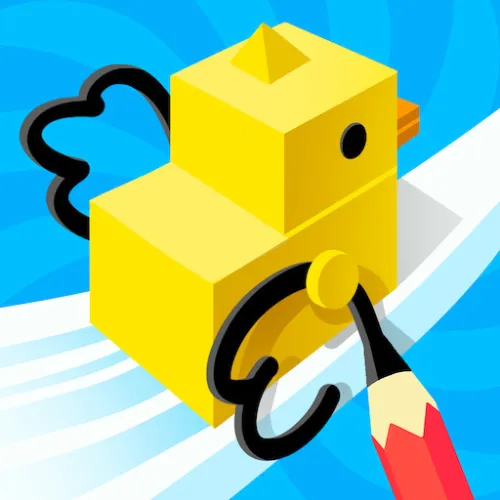
Draw Climber has one of the best ideas in casual gaming: you don't control the character, you draw its legs. Sketch a shape in the box at the bottom and your blob grows that shape as a pair of rotating limbs — long thin legs for speed, a big circle for rolling, a tall hook for climbing a step.
Every obstacle on the course wants a different shape, so the race becomes a series of quick redraws under time pressure while rivals do the same beside you. Voodoo published it, and it spread because nobody had seen a control scheme quite like it.
How to play Draw Climber
- Draw legs
- Click and drag in the drawing box
- Redraw
- Draw again at any time — it replaces the current shape
- Touch
- Draw with your finger
- Draw a shape in the box; your character grows two of them and starts walking.
- Different shapes suit different terrain — long legs for flat ground, round shapes for rolling, tall shapes for climbing.
- Redraw whenever the terrain changes.
- Reach the finish line ahead of your rivals.
Draw Climber tips
- A simple long rectangle is the fastest shape on flat ground — don't overthink the straights.
- For steps and walls, draw a tall thin shape; height beats cleverness.
- Keep drawings small and clean. Elaborate shapes rotate awkwardly and slow you down.
- Redraw before you reach the obstacle, not when you're stuck against it.
Draw Climber — questions
How do you play Draw Climber?
Draw a shape in the box at the bottom of the screen and your character grows two rotating legs in that shape. Redraw at any point to suit the terrain — long legs for speed, tall shapes for climbing, round ones for rolling.
What is the best shape in Draw Climber?
A long thin rectangle for flat running, a tall narrow shape for steps and walls, and a circle or wide arc for uneven ground. There's no single best — swapping quickly is the skill.
Does Draw Climber work on a phone?
Yes — draw with your finger. It runs in any browser with nothing to install.
- Categories
- Casual & Hyper-Casual
- Platform
- Web browser — desktop, mobile, and Chromebook
- Cost
- Free, no download or sign-up